
IT Tools
Inspect a percent-encoded query value and compare it with the original text.
Visit the official websiteEncoding boundary
IT Tools’ URL encoder is handy when you need to inspect a percent-encoded query value beside the original text—spaces, plus signs and double-encoding traps included.
Component encoding alone does not decide parameter boundaries or form-style plus semantics. For ambiguous cases, confirm with URLSearchParams (or the same rules your backend uses) rather than trusting the panel output as a full URL parser.
Our tested workflow
IT Tools URL encoder review: spaces, plus signs and double-encoding traps
Debug a Seattle search value: exact clipboard output, preserved spaces, plus-sign ambiguity and malformed escapes, with a URLSearchParams fix.
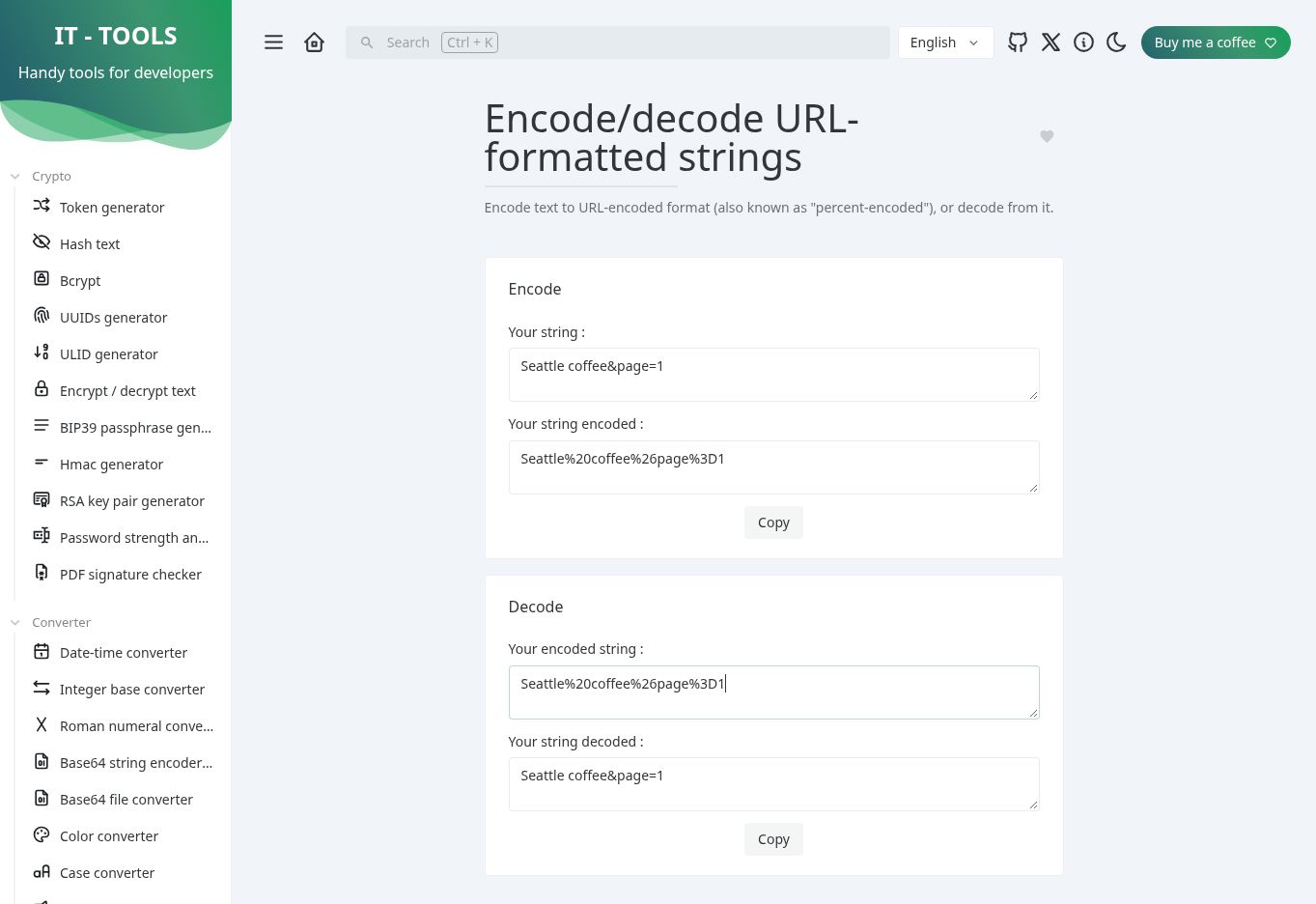
Actual desktop test screenshot from the linked review. Read that article for the test date, method and unverified dimensions.