
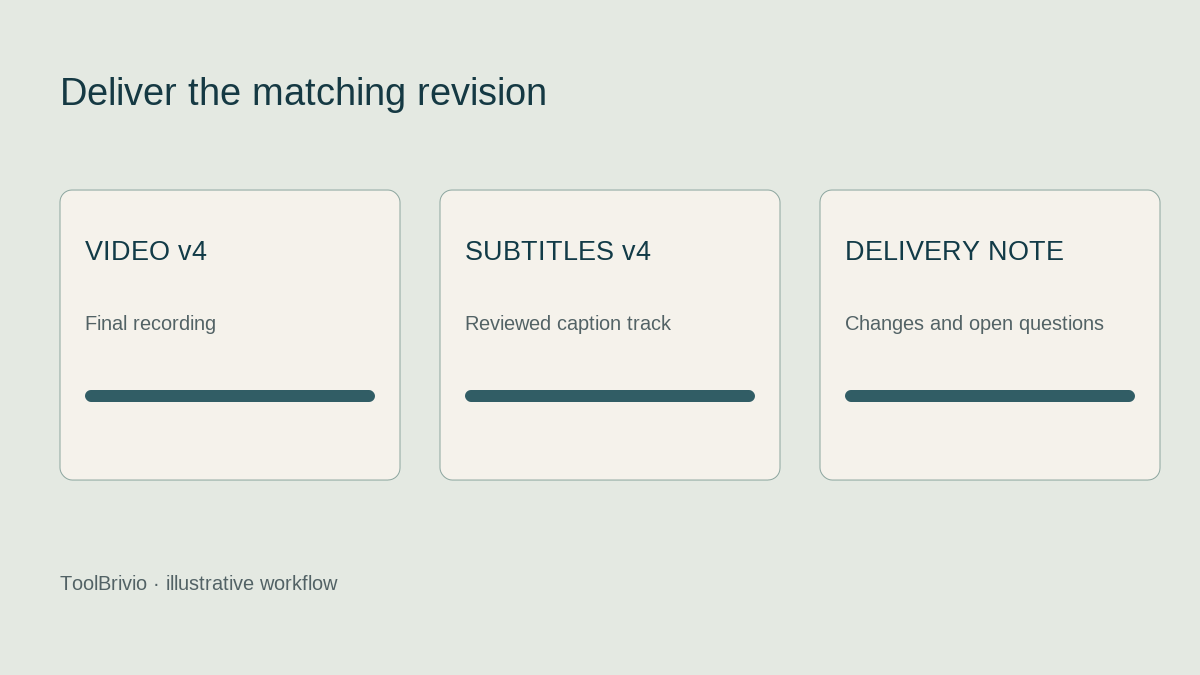
evidence/subtitle-handoff/; timing recheck numbers reuse the Subtitle Edit / ffmpeg three-anchor labs linked in Related.You are about to send the client a zip. Inside: the final interview MP4, an English subtitle file, maybe a note. Ten minutes later they reply that accents are garbage, the web player has no captions, or the last line hangs after picture ends. The words were fine. The pack was not.
This page is the pasteable gate we run before that zip leaves the machine. Tools are ffmpeg/ffprobe, iconv/file-style byte checks, and a zip listing. Subtitle Edit appears only where we reuse measured timing fixes from earlier labs — not as a new GUI walkthrough here.
Test note: Delivery packs built against a 24.000000 s Seattle clock clip (ffmpeg/ffprobe 7.1.5-0+deb13u1 on Debian GNU/Linux 13, kernel 6.12.94+). Good pack: UTF-8 SRT 430 bytes + WebVTT 390 bytes (6 cues) + MP4. Bad pack: Windows-1252 SRT 414 bytes, no VTT, last cue ending 00:00:26,500 (+2.500 s past video). Three-anchor timing numbers: Subtitle Edit 5.3.0 constant-offset lab (2026-10-14) and ffmpeg drift/cut fixtures (2026-10-24). No fresh Subtitle Edit GUI this session. No platform uploads.
Pasteable checklist
Download the markdown checklist and the delivery-note template. Leave a line pending until someone actually runs it.
- Encoding:
iconv -f UTF-8 -t UTF-8 captions.srtmust succeed. First three bytes should not beef bb bfunless the recipient asked for a BOM. - Formats: both
.srtand.vttpresent; cue counts match; VTT starts withWEBVTT. - Duration: ffprobe video duration ≥ last cue end time (and the final speech is still covered).
- Three anchors: after any audio edit, re-hear head / mid / tail and classify offset vs drift vs cut jump before you zip.
- Zip listing: open the archive list and confirm the four expected names — no stray drafts.
1. Encoding: UTF-8, watch the BOM
Our good SRT was 430 bytes. First bytes 31 0a 30 (digit 1, newline, digit 0) — UTF-8, no BOM. iconv -f UTF-8 -t UTF-8 printed success.
The bad SRT was 414 bytes of Windows-1252. The same iconv check failed with illegal input sequence at position 117 (the accented “é” in “Café”). We fed that file to ffmpeg -i bad.srt out.vtt without -sub_charenc: five warnings (“Invalid UTF-8 in decoded subtitles text; maybe missing -sub_charenc option”), exit code 0, and a 70-byte WebVTT that kept 1 of 6 cues. “It converted” is not a pass.
BOM pitfall from the same fixture set: a UTF-8+BOM copy weighed 433 bytes with first bytes ef bb bf. ffmpeg 7.1.5 tolerated it and wrote a clean WEBVTT header, but other converters have glued the BOM onto cue 1. Strip it unless someone asked for it:
head -c 3 captions.srt | od -An -tx1
iconv -f UTF-8 -t UTF-8 captions.srt >/dev/null && echo ok
# if you need to convert from Windows-1252:
iconv -f WINDOWS-1252 -t UTF-8 in.srt > out.srt
2. Ship SRT and VTT together
Clients and NLEs still want SubRip. Browsers and many upload forms want WebVTT. Our good pack carried both; ffmpeg built the VTT from the clean SRT:
ffmpeg -hide_banner -y -i interview-v4-en.srt interview-v4-en.vtt
head -1 interview-v4-en.vtt   # WEBVTT
grep -c -- '-->' interview-v4-en.srt interview-v4-en.vtt
Measured good VTT: 390 bytes, 6 cues, comma timestamps turned into dots, cue indexes dropped (normal for WebVTT). The bad pack had no .vtt at all — an easy miss when someone only exports SRT from their editor.
3. Last cue vs ffprobe duration
Same 24.000000 s MP4 in both packs:
ffprobe -hide_banner -show_entries format=duration -of default=nk=1:nw=1 interview-v4.mp4
# 24.000000| Pack | Last cue | vs 24.000000 s video |
|---|---|---|
| Good | 00:00:16,000 --> 00:00:18,500 | Ends at 18.5 s — inside the media |
| Bad | 00:00:22,000 --> 00:00:26,500 | Ends at 26.5 s — +2.500 s past picture end |
Hold if the last cue overruns the container, or if the last spoken line has no cue because the track was truncated. Matching filenames (interview-v4 + interview-v4-en) do not prove timing.
4. Three anchors after any audio edit
If the audio changed since captions were written — truncate-silence, speed tweak, mid-timeline cut — do not trust the old SRT. Mark a unique phrase near the head, middle, and tail. Difference = subtitle start − heard speech start on the final media.
| Pattern | What we measured | Handoff action |
|---|---|---|
| ① Constant offset | Three deltas all −0.800 s; Subtitle Edit 5.3.0 Show later +800 ms moved cues 01,200→02,000; 04,000→04,800; 07,100→07,900 (lab 2026-10-14) | One global shift, then re-hear all three |
| ② Gradual drift | Stretch to duration 30.596009 s; deltas −0.040 / −0.290 / −0.540 s | Do not fake with one offset; two-point / rebuild timing |
| ③ Jump-at-cut | Removed 2.000 s → duration 28.000000 s; HEAD ~0, MID/TAIL +2.000 s late | Fix post-cut region only |
Use the three-anchor worksheet. Full diagnosis and Subtitle Edit steps: Fix subtitle drift after audio edits. We did not re-open the Subtitle Edit GUI for this handoff page; the numbers above are from those dated labs.
5. List the zip before you send it
Our measured archive listings (download the same listing):
=== good-handoff.zip ===
       112  delivery-notes.txt
       430  interview-v4-en.srt
       390  interview-v4-en.vtt
   8967260  interview-v4.mp4

=== bad-handoff.zip ===
        67  delivery-notes.txt
       414  interview-v4-en.srt
   8967260  interview-v4.mp4
# (no .vtt)
If the listing lacks VTT, or the SRT byte size looks like a different encoding than your UTF-8 master, stop. Keep obsolete final-v3 drafts out of the zip. The delivery note should name language, UTF-8, formats, ffprobe duration, and who signed the three-anchor line.
FAQ
What encoding should a delivery SRT use?
UTF-8. Our good pack SRT was 430 bytes with first bytes 31 0a 30 (no BOM) and passed iconv. Our bad pack was Windows-1252 at 414 bytes; iconv reported INVALID at position 117. ffmpeg 7.1.5 then printed Invalid UTF-8 five times, exited 0, and wrote a 70-byte VTT with only 1 of 6 cues. Strip an unexpected BOM (ef bb bf) unless the recipient asked for it — our BOM reference file was 433 bytes.
Do I need both SRT and VTT in the handoff zip?
Yes for a general client/platform pack. Our good zip listed delivery-notes.txt, interview-v4-en.srt (430 B), interview-v4-en.vtt (390 B, 6 cues), and interview-v4.mp4. The bad zip had the MP4 and a CP1252 SRT only — no VTT. ffmpeg -i in.srt out.vtt built the matching WebVTT in the good pack.
How do I catch a subtitle that runs past the video?
Compare ffprobe format duration to the last cue end. Our sample MP4 was 24.000000 s. The good SRT last cue ended at 00:00:18,500. The bad SRT last cue ended at 00:00:26,500 — 2.500 s past the video. Hold the pack until the last cue sits inside the media duration.
When do I re-run the three-anchor check?
After any audio edit that changes duration or speech timing. Head/mid/tail deltas tell you the class: same number three times is a constant offset (we measured −0.800 s and fixed with Subtitle Edit Show later +800 ms on 2026-10-14); growing deltas are drift (−0.040 / −0.290 / −0.540 s on a 30.596009 s stretch); head OK with mid/tail stepped late is a cut jump (+2.000 s after removing 2.000 s). Recheck all three before you zip.
Honest limits
- No YouTube Studio, Vimeo, Premiere, or browser upload in this run.
- Subtitle Edit GUI not launched for this page; constant-offset clicks are from the 2026-10-14 lab on binary 5.3.0; drift/cut numbers are ffmpeg fixtures from 2026-10-24.
- zip(1) was missing on the lab box; archives were written with Python
zipfile— listings above are the archive contents, not a screenshot of a GUI zip tool. - Encoding path tested Windows-1252 ↔ UTF-8 and BOM presence; UTF-16 and CRLF-only packs were not built here.
Evidence: evidence/subtitle-handoff/ (packs, zips, probes) plus reused evidence/srt-file-guide/ and evidence/subtitle-edit/. Every size and timing figure on this page appears in those notes or logs.