
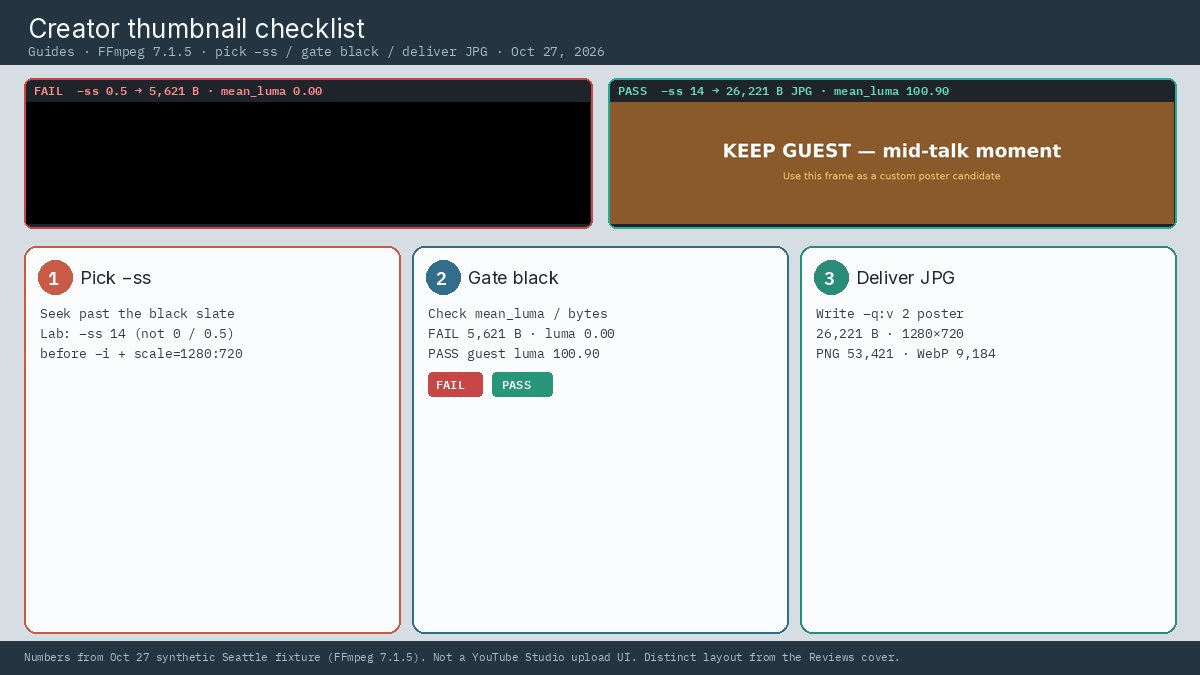
The cut is locked. You still need a 16:9 custom thumbnail that is not a black slate, a half-blink, or whatever Discord grabbed from frame zero. Reddit threads and player previews keep reminding creators: bare first-frame / naked thumbnail grabs love black opens. This Guide is the pasteable gate — fixed -ss into the guest window, skip slate before auto-pick, lock a practical 1280×720 JPG, catch intentional black / bare-filter FAILs, then self-check before you hand the file to YouTube Studio.
Companion deep dive (same lab numbers): FFmpeg YouTube thumbnail review. Product stub: FFmpeg.
Test note: October 27, 2026, Asia/Shanghai, Debian GNU/Linux 13 (trixie). Tools: FFmpeg / ffprobe 7.1.5-0+deb13u1. Fixture: synthetic 24.000 s 1280×720@30 MP4 (0–2 s pure black, then KEEP HOST / KEEP GUEST / WRAP title cards) — Seattle stand-in cards, not a client finished piece. We did not upload a custom thumbnail in YouTube Studio; Help was opened for size/format only. We did not upscale to Help’s 3840×2160 ceiling.
Accept criteria before Studio
Persona: a creator with a finished interview/podcast-style MP4 who needs a binary go / no-go on the custom poster still. Minimum gates:
| Gate | PASS | FAIL | HOLD |
|---|---|---|---|
| Readable frame | Known good timecode or window (ours: guest at t=14 → 26,221 B, mean luma 100.90) | Black / near-black still (ours: 5,621 B, mean luma 0.00) | No eye-check of the written JPG |
| Size | 16:9 poster at practical 1280×720 (this lab) | Wrong aspect / accidental upscale claim | Need Help’s 3840×2160 — not run here |
| Format / bytes | JPG under platform anxiety (ours guest JPG 26,221 B; Help lists JPG/PNG, 50 MB desktop cap) | Shipping black 5,621 B “poster” | WebP-only host untested |
| Auto-pick safety | thumbnail only after skip-black or window constrain | Bare thumbnail from t=0 on black-open media | — |
| Command documented | Full line + bytes + mean luma (or glance) recorded | — | Cannot reproduce |
1. Fixed -ss into the guest window first
Write the beat on the brief before you touch FFmpeg. On our fixture the guest card lives at 10–18 s; we grabbed t=14.
# Prefer a known-good second (guest window)
ffmpeg -y -ss 14 -i delivery.mp4 \
  -frames:v 1 -vf "scale=1280:720" -q:v 2 poster_guest.jpg

# Output-side seek (decode/discard until t=14) — same idea
ffmpeg -y -i delivery.mp4 -ss 14 \
  -frames:v 1 -vf "scale=1280:720" -q:v 2 poster_guest_after.jpg
Per the FFmpeg documentation, -ss before -i seeks in the input; after -i it decodes and discards until the timestamp. On this short synthetic both wrote 1280×720 / 26,221 bytes, mean luma 100.90 (KEEP GUEST). Treat that byte match as a lab note, not a promise for every GOP.
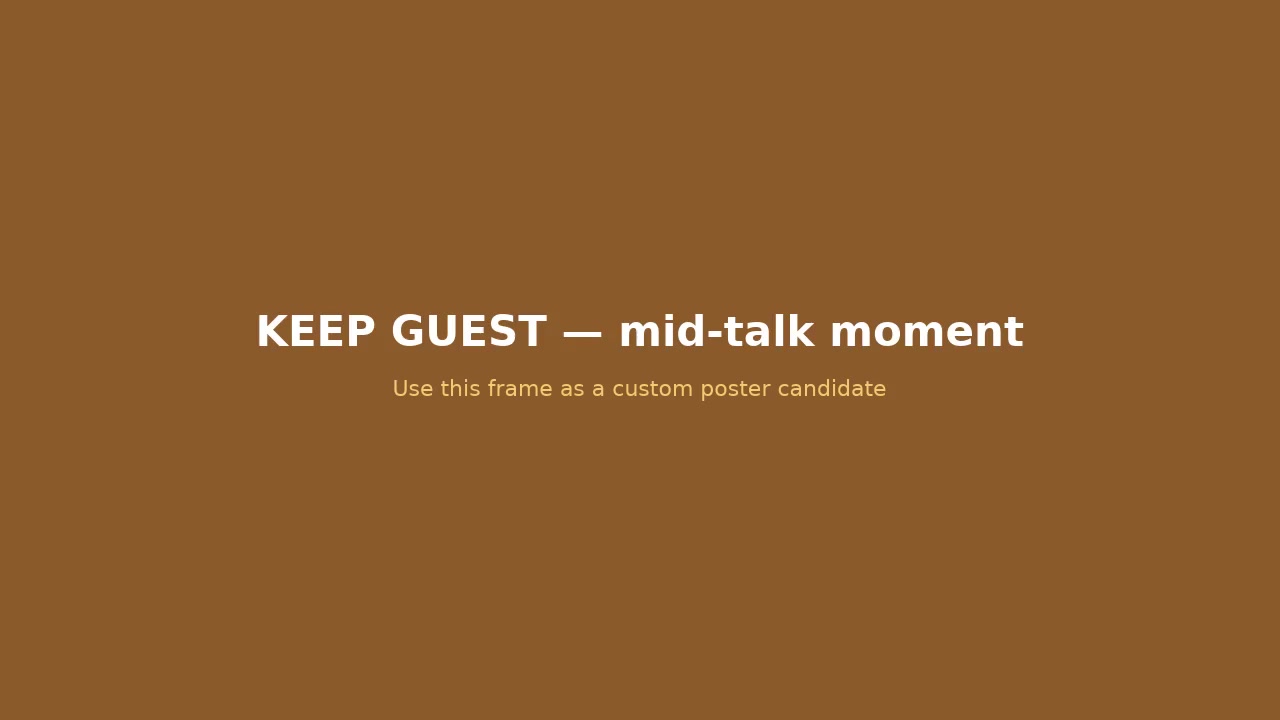
-ss 14 guest still — 26,221 bytes JPG. Synthetic stand-in, not a real interview face.2. Skip the black open, then run thumbnail
Creators reach for the thumbnail filter when they do not want to name a timecode. It picks a “representative” frame from each batch of n (default 100). On a black-open file that is not enough — r/ffmpeg and first-frame pain threads keep hitting the same trap.
# Skip the 2 s slate, then let thumbnail pick
ffmpeg -y -ss 2 -i delivery.mp4 \
  -vf "thumbnail=n=100,scale=1280:720" -frames:v 1 -update 1 -q:v 2 thumb_after_slate.jpg

# Or constrain to the guest window
ffmpeg -y -ss 10 -to 18 -i delivery.mp4 \
  -vf "thumbnail=n=50,scale=1280:720" -frames:v 1 -update 1 -q:v 2 thumb_guest_window.jpg
After skip-black (or n=200 from start on this fixture): 28,415 bytes, mean luma 50.42 (HOST). Guest window: 26,221 bytes, mean luma 100.90. Prefer fixed -ss when you already know the beat; use windowed thumbnail when you only know the section.
3. Gate 1280×720 JPG bytes and brightness
YouTube Help — Add custom thumbnails (opened October 27, 2026) recommends up to 3840×2160 for long-form, min width 640, 16:9, JPG/PNG, desktop upload limit 50 MB. Community threads still treat 1280×720 as a practical floor. Our source was already 1280×720 — scale=1280:720 is a no-op resize here, locked so 1080p/4K masters know the target we used. We did not upscale synthetic cards.
# Record size + a quick luma sanity check (Pillow / identify / your eyes)
ls -l poster_guest.jpg
# optional mean-luma probe — black opens land near 0| Output | Resolution | Bytes | Mean luma | Gate |
|---|---|---|---|---|
Fixed -ss 14 JPG | 1280×720 | 26,221 | 100.90 | PASS — KEEP GUEST |
| Same frame PNG | 1280×720 | 53,421 | 98.93 | OK larger still |
| Same frame WebP q80 | 1280×720 | 9,184 | 100.90 | Smallest; confirm host |
-ss 2 + thumbnail / n=200 | 1280×720 | 28,415 | 50.42 | PASS — HOST after slate |
| Guest window thumbnail | 1280×720 | 26,221 | 100.90 | PASS |
| Black / bare thumbnail | 1280×720 | 5,621 | 0.00 | FAIL |
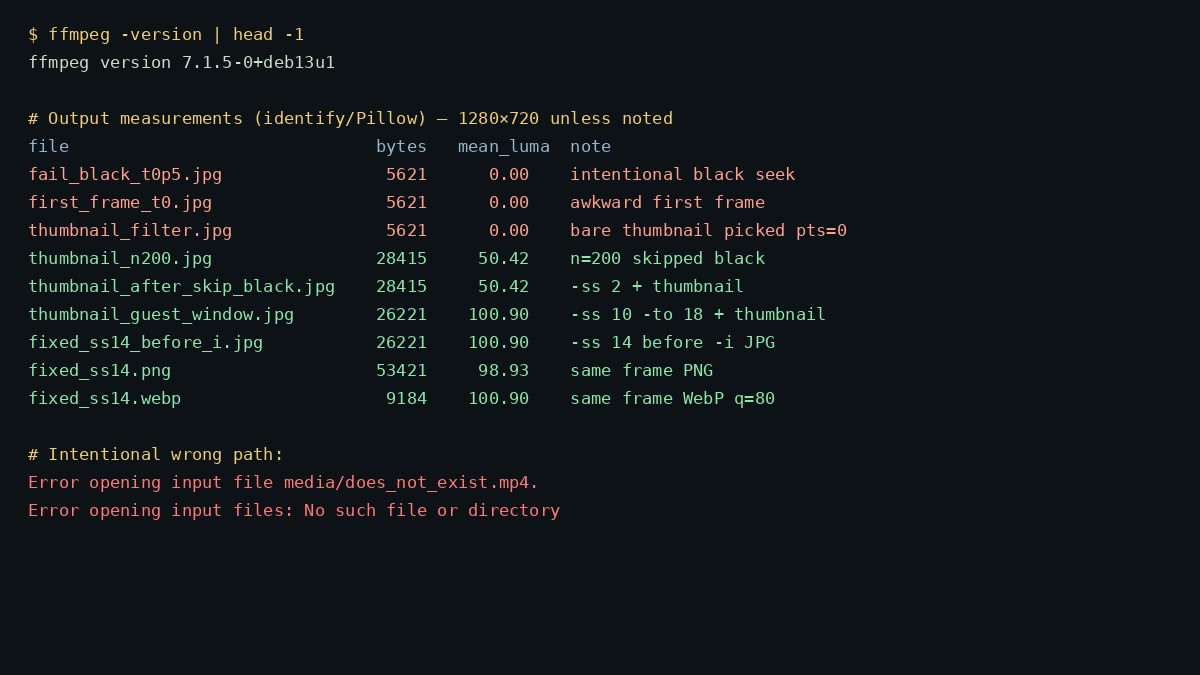
JPG remains the safe default when Studio is next (Help lists JPG/PNG). WebP won on bytes here; only ship it if the destination accepts it.
4. Intentional black / bare-filter FAIL contrast
Run one known-bad grab so the PASS numbers mean something.
# Inside the black open — expect a useless still
ffmpeg -y -ss 0.5 -i delivery.mp4 \
  -frames:v 1 -vf "scale=1280:720" -q:v 2 fail_black.jpg

# Bare thumbnail from t=0 on black-open media
ffmpeg -y -i delivery.mp4 \
  -vf "thumbnail=n=100,scale=1280:720" -frames:v 1 -q:v 2 fail_bare_thumb.jpg

# Missing path — scripts should catch this
ffmpeg -y -ss 14 -i media/does_not_exist.mp4 \
  -frames:v 1 outs/fail_wrong_path.jpg
# → Error opening input file … No such file or directory- Black-second seek (
-ss 0.5) → 5,621 bytes, mean luma 0.00. - Bare
thumbnail→ log selectedpts_time=0.000000→ same 5,621 bytes / luma 0. - Wrong path → hard error, no output file.

-ss 0.5 inside the black open → 5,621 bytes, mean luma 0.00.
thumbnail on this fixture: same black still class as t=0 / t=0.5.5. Self-check before YouTube Studio
Studio custom-thumbnail upload was not tested on this box (no channel account). Do this locally before you click upload:
- Open the JPG — is it the guest/title you meant, not slate?
- Confirm 1280×720 (or your written 16:9 target) and bytes look like a real still (ours PASS guest ~26 kB; FAIL black ~5.6 kB).
- Mean luma near 0 → stop; re-seek.
- Keep the FFmpeg line + measured bytes in the brief.
- Then upload JPG/PNG per YouTube Help on a verified account — that click is on you.
Download the checklist
Download the FFmpeg YouTube thumbnail checklist (Markdown). Tick the guest timecode, paste the command, record bytes / luma, and mark PASS / FAIL / HOLD before Studio.
FAQ
Why does bare thumbnail keep giving me a black still?
On our black-open fixture, bare thumbnail=n=100 logged frame id #0 at pts 0.000 and wrote a 5,621 B JPG with mean luma 0.00. The filter picks a representative frame from each batch of n — it is not a free “skip slate” button. Seek past the open (-ss 2) or constrain a guest window first.
Should -ss go before or after -i?
FFmpeg docs: before -i seeks in the input; after -i decodes and discards until the timestamp. On this 24 s synthetic, -ss 14 before and after -i both wrote identical 26,221 B guest JPGs. Do not generalize that equality to every GOP.
What size should a YouTube custom thumbnail be?
YouTube Help (opened October 27, 2026) recommends up to 3840×2160 for long-form, 16:9, JPG/PNG, desktop upload limit 50 MB. We locked a practical 1280×720 JPG floor and did not upscale synthetic cards. Studio custom-thumbnail upload was not clicked in this run.
JPG, PNG, or WebP for the handoff still?
Same guest frame on this lab: JPG 26,221 B, PNG 53,421 B, WebP q80 9,184 B. Help lists JPG/PNG for custom thumbnails; WebP won on bytes here but confirm the destination accepts it. JPG remains the safe default when Studio is next.
Honest limits
- Synthetic 24 s title-card fixture — not a client finished interview.
- No YouTube Studio / Shorts / Instagram upload click in this run.
- Linux CLI only (FFmpeg 7.1.5-0+deb13u1 on Debian 13); Windows / macOS builds unverified.
- No GUI player scrubber comparison; no overlay branding / Canva; no
attached_picmux-back. - 1280×720 practical floor — Help’s 3840×2160 ceiling not exercised.
Evidence: evidence/ffmpeg-youtube-thumbnail/ (NOTES, commands.log, versions, outs/, frames/, probes/), October 27, 2026. Every byte count and mean-luma figure on this page appears there.