
By ToolBrivio Editorial · Hands-on test of OBS Studio 30.2.3 on Linux, October 14, 2026, plus official documentation where marked. These are ordinary source links, and ToolBrivio currently earns no affiliate commission from them. Research approach · Disclosure.
Flexible local capture for creators willing to configure it
On a GPU-less Linux box, OBS Studio 30.2.3 recorded a 10-second, two-track MKV in software rendering and remuxed it to MP4 by itself. Both audio tracks stayed separate in the MP4. The caution: the MP4 lost the track names, and its duration read 10.03 s against the MKV's 10.10 s. OBS remains a strong no-subscription recorder, but only if you are willing to configure tracks and check the output files yourself.
Review basis and test setup: We tested the Debian package obs-studio 30.2.3+dfsg-3 on Debian 13, which is older than the current 32.x releases on the download page. OBS ran under a headless X server with LIBGL_ALWAYS_SOFTWARE=1, using its own config directory. The test box has no audio hardware, so both audio sources were synthesized test tones, played into OBS as looping Media Sources: a 300 Hz tone routed only to track 1 and a 1 kHz tone at half the level routed only to track 2. A solid blue Color Source was the only video. Real microphone, desktop-audio, screen and camera capture were not tested. Recording was started and stopped over obs-websocket.
What we tested and what happened
- Software rendering works. The log reported “Loading up OpenGL on adapter Mesa llvmpipe… OpenGL loaded successfully, version 4.5”. The only error line was “window manager does not support Extended Window Manager Hints (EWMH)”, an artifact of running without a window manager. The DeckLink module also failed to initialize; we had no DeckLink hardware.
- Recording held 30 fps. GetStats during the take reported 30.0 fps active, 300 output frames with 0 skipped, 1 skipped render frame out of 1,190, average render time 4.6 ms and CPU around 5.8%. That is for a 1280×720 color source with x264 veryfast at CRF 23. It says nothing about how a busy screen capture would perform.
- Two tracks landed in the MKV. ffprobe showed H.264 1280×720 at 30 fps plus two AAC 48 kHz stereo streams titled
Track1andTrack2, duration 10.100 s. The tracks really were separate: RMS was −9.04 dB on track 1 (the louder 300 Hz tone) and −15.06 dB on track 2, about the 6 dB level difference we set. - OBS remuxed to MP4 itself. With Settings > Advanced > Recording > “Automatically remux to mp4” on (
AutoRemux=true), OBS wrote an MP4 next to the MKV when recording stopped. Both audio streams were present, with identical RMS values to the MKV.
| File | Container duration | Audio streams | Audio track names |
|---|---|---|---|
| OBS recording (MKV) | 10.100 s | 2 × AAC 48 kHz stereo | Track1, Track2 |
| OBS auto-remux (MP4) | 10.032 s (video 10.032, audio 9.984) | 2 × AAC 48 kHz stereo | None (handler “SoundHandler”) |
ffmpeg -map 0 -c copy (MP4, for comparison) | 10.033 s (audio 9.984) | 2 × AAC 48 kHz stereo | None (handler “SoundHandler”) |
Cautions for readers
- Caution: MP4 remux drops audio track names. In our run, the MKV's
Track1/Track2titles were gone after both OBS's auto-remux and a plain ffmpeg stream copy. If you rely on names like “Mic” and “Desktop” in your editor, keep the MKV or relabel after import. - Caution: the reported duration shifts slightly. Our MKV reported 10.100 s and the remuxed MP4 10.032 s, with the audio streams at 9.984 s. Nothing was re-encoded, but if you sync subtitles or a second recorder against duration, measure the file you will actually deliver.
- Caution: test with your real devices. We could not test microphone or desktop capture on this machine, so routing real hardware to separate tracks is unverified here.
For the step-by-step track routing and remux settings, see our tutorial Record separate microphone and desktop audio tracks.
Who it suits
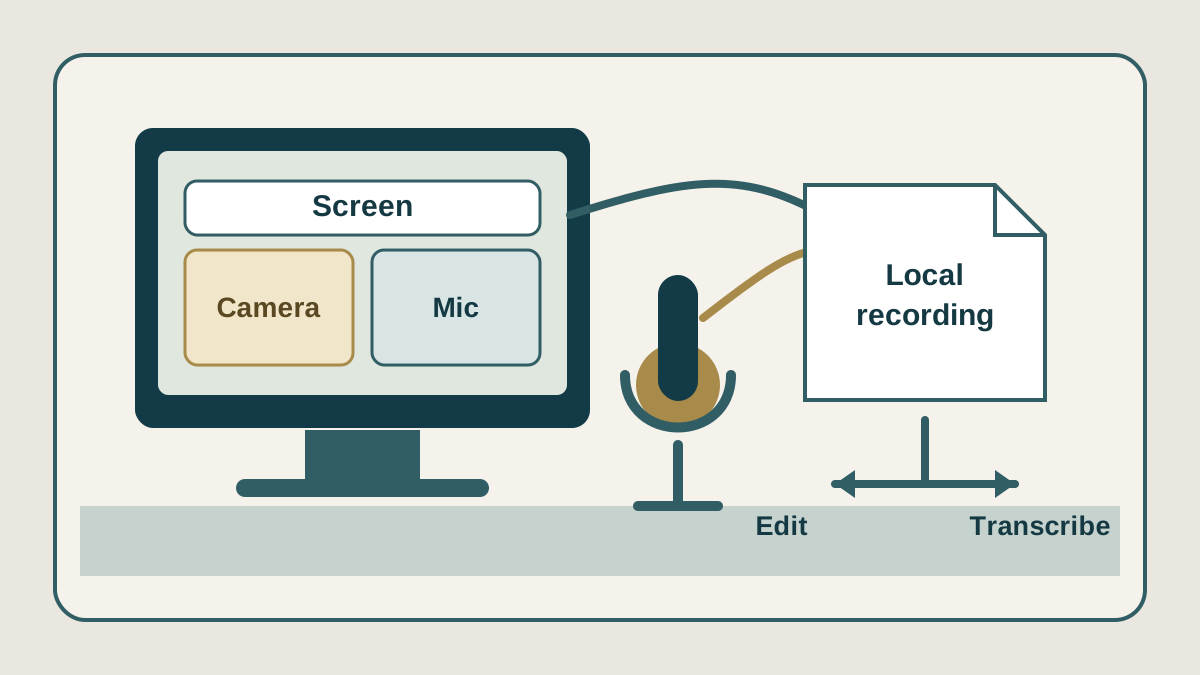
OBS Studio fits a creator who records the same kind of session repeatedly and wants control over sources, encoders and separate audio tracks without paying for a subscription. Even our headless test needed decisions about output mode, track count, the remux option and where files land. Someone who wants an app that records, transcribes and edits in one place will find OBS is only the first step.
Price, plans and value
OBS Studio costs US$0 and is distributed under the GNU General Public License v2.0 or later. There is no monthly price, recording allowance or per-output fee; donations are optional. Your real costs are the computer, microphone, camera, storage and whatever you use after recording.
Drawbacks and limits
- Configuration is on you. Multitrack recording needs Advanced output mode, the right tracks ticked under Recording, and each source's routing set in Advanced Audio Properties. If one is missed, a track records silence or does not record at all.
- MKV is the safe recording container; MP4 is a delivery step. Remux works, but read the cautions above.
- Performance depends on the machine. Our 5.8% CPU figure is for a trivial scene in software rendering. Test your real scene before a long session.
- Version boundary (documentation only). The download page, checked October 8, 2026, lists Windows 10/11, macOS 13 or later, Linux Flatpak and an Ubuntu 24.04-or-newer PPA. Release 32.2.2, published August 14, 2026, says its NVIDIA SDK 13 update requires NVIDIA driver 570 or newer, and that 32.2.x does not run on macOS 12. We did not test 32.x.
Final verdict
OBS 30.2.3 passed our narrow test: software rendering, a clean two-track MKV, and a working built-in MP4 remux that kept both audio streams. Record to MKV, remux when you need MP4, and check track names and duration in the delivered file. Real-device capture remains for a future test.
Privacy and local recording (documentation only)
This privacy note is based on official documentation, not on our hands-on test. A local recording path means the file lands on your computer; it does not prove OBS never uses the network. The OBS privacy policy describes analytics and performance information that can include crash, network and tracing data. Streaming and plugins follow their own policies. Privacy was not part of this hands-on test.