How to remux OBS recordings from MKV to MP4
Use OBS to remux MKV recordings to MP4, distinguish container and codec problems, and check audio tracks before editing or transcription.
Read guide ToolBrivioPractical software guides for video creators.
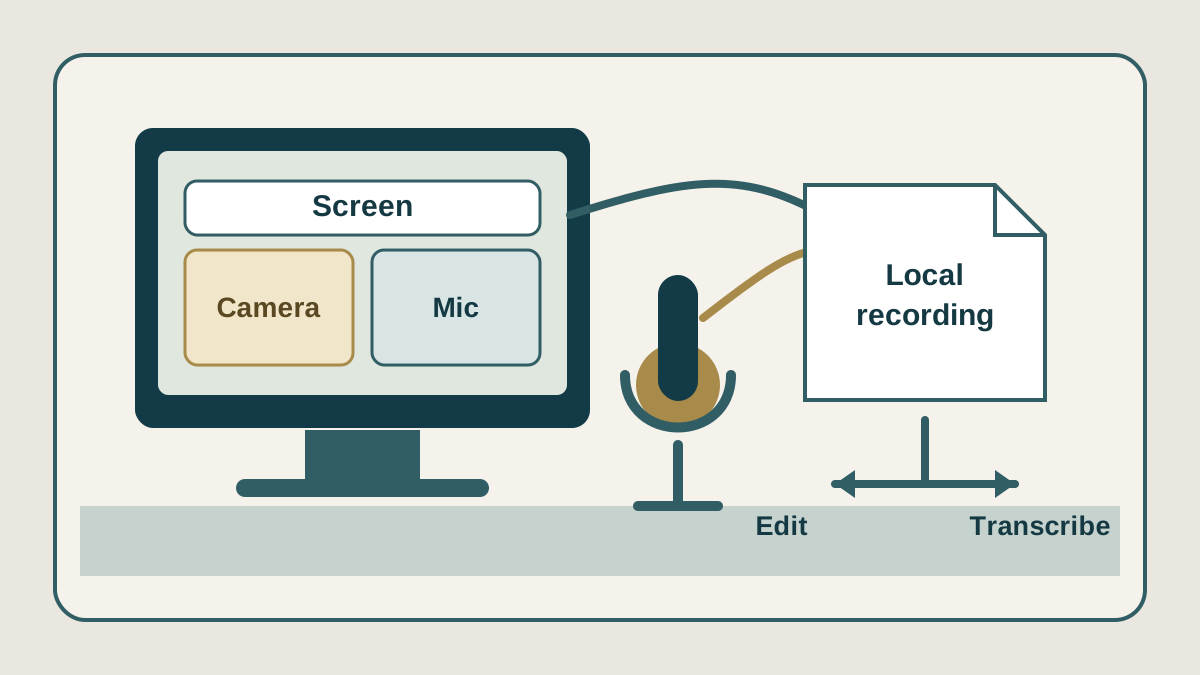
Record a workstation capture with separate audio tracks, then remux MKV to MP4 when an editor wants MP4. Our hands-on notes below are from Linux OBS 30.2.3.
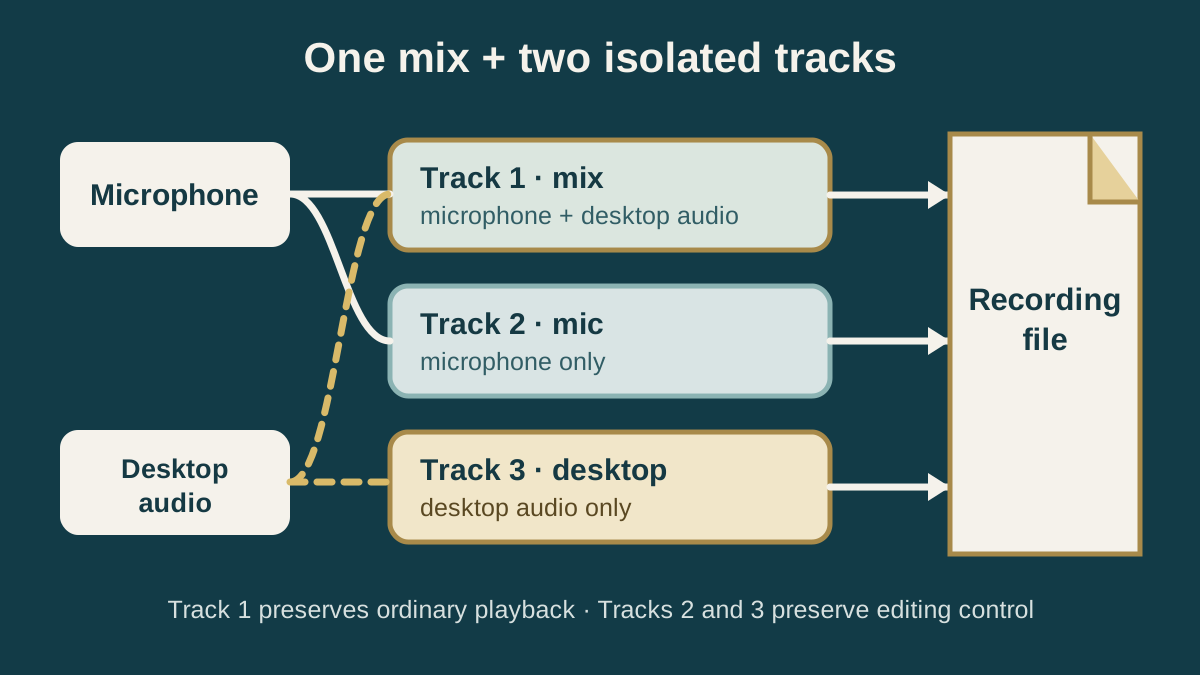
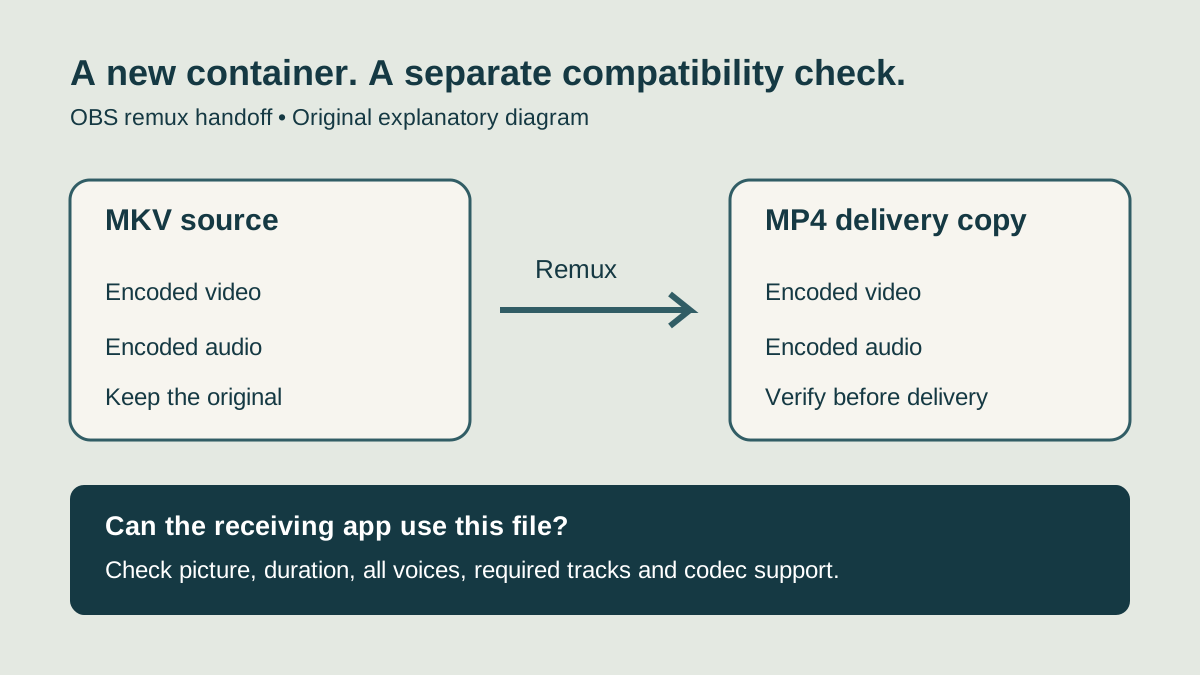
Visit the official websiteTwo separate lab runs (review and tutorials) recorded ~10-second MKV files with synthetic tone sources standing in for mic and desktop audio—no real microphone or desktop capture was available on the test machine. Advanced mode wrote multiple AAC tracks without crosstalk. OBS remux (File → Remux Recordings and automatic remux) kept the audio streams and did not re-encode video/audio packets.
Limits from those runs: MKV track titles were not carried into the MP4; reported duration shortened by tens of milliseconds after remux (about 10.10 s MKV → ~10.03–10.07 s MP4 across runs). Platform install notes below remain documentation-based.
Use OBS to remux MKV recordings to MP4, distinguish container and codec problems, and check audio tracks before editing or transcription.
Read guideHands-on notes from Linux OBS 30.2.3 on multi-track recording and remux, plus documentation where marked.
Read reviewRoute a complete mix plus isolated microphone and desktop-audio tracks, then verify the file.
Read guideThe official download page checked October 8, 2026 lists Windows 10/11, macOS 13 or later, Linux Flatpak and an Ubuntu 24.04-or-newer PPA. OBS 32.2.x does not run on macOS 12; the release notes direct those users to 32.1.2.
Prepare a recording for transcription · Edit spoken audio in Audacity · Finish spoken audio with Auphonic