
Check the delivered version
Review words, timing, language labels, and playback on the actual destination. Keep the captions matched to the final video revision.
In this article
By ToolBrivio Editorial · Research approach · Link disclosure
We currently earn no commission from product links on this page.
A caption track can look clean in a text editor and still be difficult to follow in a video. A name is wrong, an important “not” is missing, or the words disappear while the viewer is still reading.
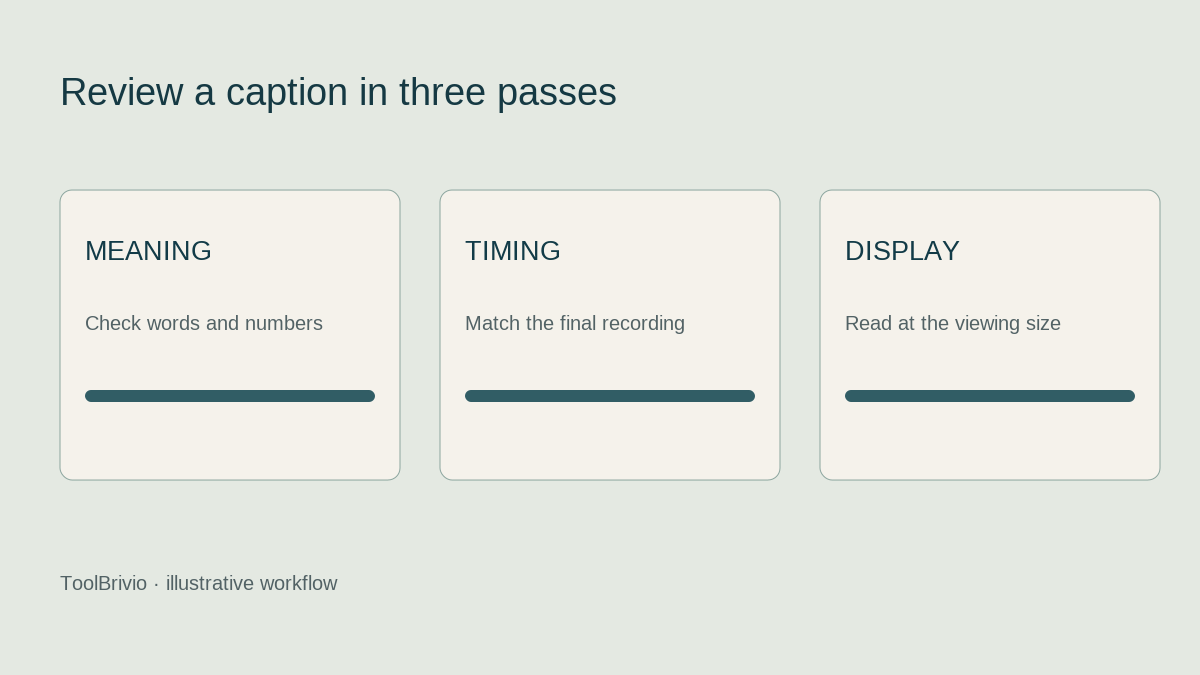
The final review is where you catch those issues. Watch the exact video and track you intend to publish, with attention to both meaning and the experience of reading on screen.
Use the five checks below as separate review passes if the recording is long. Follow them with a destination-player check, because a correct source file does not guarantee the correct track was uploaded.
- Names and specialist terms. Check people, brands, acronyms, and numbers against reliable references.
- Meaning. Catch missing words, especially negatives such as “not.” Correct recognition errors without changing what the speaker said.
- Timing and reading pace. Keep captions aligned with speech and on screen long enough to read comfortably.
- Line breaks and placement. Break at natural phrases. Preview on a phone and check that captions do not cover important visuals or interface controls.
- Speakers and sounds. Include speaker identification and meaningful non-speech audio where needed for understanding.
Check the export too
Open the uploaded or imported file in its final destination. Confirm the selected language, correct video version, and availability of the caption track. A correct draft can still be paired with the wrong recording.
Save your corrected source file. Future edits are easier when you keep the transcript, caption file, and final video together.
Make the checks practical
For names and terminology, keep a small approved spelling list beside the recording. For meaning, pay attention to negatives and quantities: changing “did not agree” to “did agree” reverses a claim even though both sentences read naturally.
For timing, watch with the sound low or off for a pass. Notice whether you can finish a caption comfortably before it changes. Then listen again to confirm the text belongs to that exact passage. These two checks answer different questions.
A phone preview catches different problems
Use the display size your audience is likely to watch. Check whether captions cover a face, an on-screen label, or an important demonstration. A readable desktop preview does not settle whether the same placement works on a smaller screen.
Leave a clear handoff
Keep the reviewed caption track beside its matching video revision. If someone changes the edit afterward, recheck timing before reusing the track. The handoff checklist gives you a delivery note and acceptance checks you can share with a teammate.
A worked review: meaning before layout
Imagine a speaker says, “We did not approve the $15 fee. Ask Maya Chen before Friday.” This invented sentence separates transcription errors from display choices.
| Draft | Correction | Decision |
|---|---|---|
| We did approve the $50 fee. | We did not approve the $15 fee. | Restore the negative and amount using the recording. |
| Ask Myra Chen before Friday. | Ask Maya Chen before Friday. | Confirm the name with the speaker or an approved spelling list. |
| Ask Maya Chen before Friday. | Ask Maya Chen before Friday. | Keep the name together when a line break is needed; inspect destination playback. |
A text correction does not prove timing and readability. Review those separately against the final recording. If a name or amount remains unclear, record the question instead of guessing.
Download the caption review worksheet (TXT) to record evidence, corrections, unresolved questions and playback checks. Make one entry per issue.
Updated October 7, 2026: added practice resources and worked corrections.
Editorial note
Original editorial checklist from ToolBrivio. Examples are illustrative; no product UI test is claimed.