
By ToolBrivio Editorial · Documentation-based analysis; no hands-on results are claimed. These are ordinary source links, with no affiliate commission. Research approach · Disclosure.
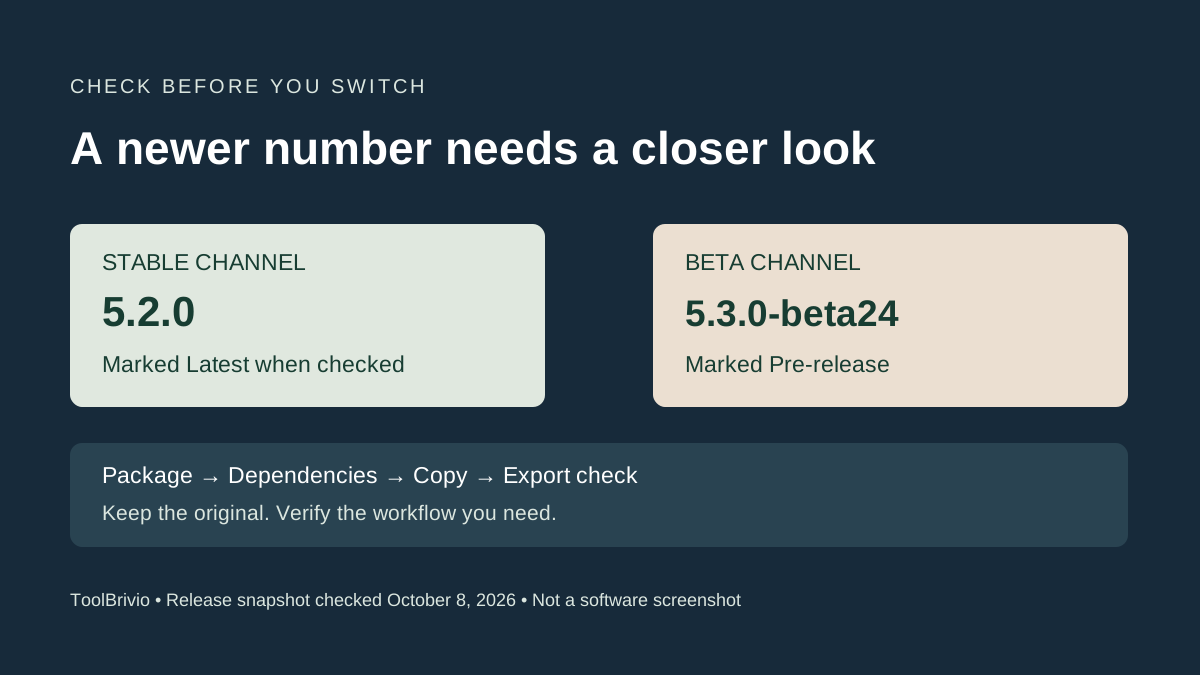
The newest item in a download feed is not always the release to use for a client delivery. On October 7, Subtitle Edit published 5.3.0-beta24, explicitly labelled Pre-release. When we checked the official pages on October 8, 5.2.0 remained the release marked Latest.
Our recommendation for a deadline is to begin with the stable release and verify your particular workflow on a copy. This is release-selection advice, not a benchmark: we have not installed or compared these builds.
What the two labels mean for your download
| Official release | Page status when checked | Published build date |
|---|---|---|
| 5.2.0 | Latest; not labelled Pre-release | September 10, 2026 |
| 5.3.0-beta24 | Pre-release | October 7, 2026 |
Both pages describe automated GitHub Actions builds. That phrase describes how the packages were built; it does not identify the beta channel. Use the version suffix and Pre-release label. Likewise, “Build Configuration: Release” is a build setting, not a promise that a beta has become the stable release.
This is a dated snapshot. For later downloads, revisit the official release list and check which entry is marked Latest. We are not claiming that beta24 introduced a particular feature or improved performance; the available release information does not establish those conclusions here.
Select the package for the computer, then check dependencies
The stable release supplies Windows, macOS and Linux packages, including different processor architectures. Use your computer's system information to identify the architecture rather than guessing from the operating-system name. A colleague's installer may be the wrong package for your machine.
The current installation notes list Windows 10 22H2 or newer and macOS 12 or newer, with macOS 14 recommended. They describe bundled media dependencies in the macOS DMG and Linux Flatpak; native Linux builds need mpv and FFmpeg for video functionality. Check those notes and the selected release together because current documentation can move ahead of an older package.
For a working subtitle job, test more than whether the window opens. Confirm matching-video playback, the audio waveform if your task needs it, subtitle import and the intended export. A package that starts successfully has not yet demonstrated your entire delivery workflow.
A small acceptance check before switching
- Keep an untouched original. Make a copy of the subtitle and matching video. Record the installed version.
- Choose a representative section. Include a cue near the opening, a cue near the ending and a known edit boundary. Use the full file for final acceptance.
- Make one reversible change. For example, correct a confirmed spelling error or a known timing offset on the copy. Avoid combining several new processing engines in the first check.
- Save under a new name. Reopen the export and confirm text, timings and encoding. Play it with the destination video in the intended player.
- Record the result. If a required command or export fails, keep using your verified workflow while investigating. Do not replace the only delivery file with a beta experiment.
This checklist is an editorial recommendation, not evidence that the stable build is bug-free or that the beta is unusable. A beta can be useful for evaluating a needed change, but the evaluation belongs on a copy with a way back to the previous workflow.
Why current documentation needs a version check
The speech-recognition documentation lists several local and online engines with platform-specific requirements. Do not assume every option described in current documentation is present in every older release, or that it runs on every processor. If an optional engine matters to your work, verify that exact combination before migrating.
A newer version number is useful information, but the practical question is whether you can import, correct and deliver your files without losing work. Our Subtitle Edit review evaluates the application around that task. For a buying decision, compare local editing with a managed subtitling service.