HandBrake review: shrink a cut interview for platform delivery without guessing presets
Hands-on Very Fast 1080p30, x264 RF 22, and Social 25 MB encodes on HandBrake 1.9.2 (Linux)—sizes, wall times, and limits.
Read article ToolBrivioPractical software guides for video creators.
Re-encode a cut interview to a smaller delivery MP4 with named presets, then check duration and file size before upload. Our hands-on check used HandBrake 1.9.2 on Linux.
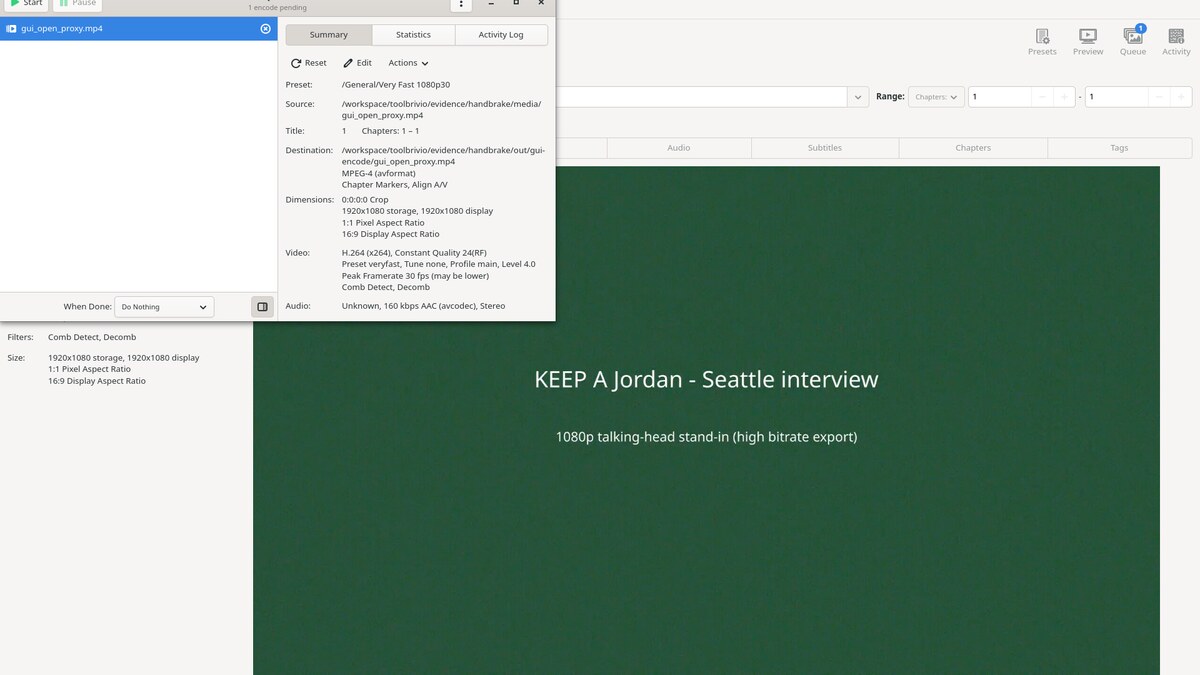
Visit the official websiteOn Debian 13 we ran HandBrakeCLI on a 30-second fat 1080p Seattle interview stand-in (H.264 + AAC, 1051.80 MiB). Very Fast 1080p30 finished in 13.672 s at 11.58 MiB (x264 veryfast, RF 24.00, Main@L4.0). Custom x264 RF 22 / medium / High@L4.0 took 51.236 s and landed at 87.46 MiB—larger than Very Fast on this noisy fixture. Social 25 MB 30 Seconds 1080p60 produced 21.91 MiB (under the 25 MB label) in 49.182 s; output stayed 1920×1080 at 30 fps. All three kept video duration 30.000 s (container ≈30.016 s). GTK GUI on a 5-second proxy confirmed About 1.9.2, the same preset names, Queue RF 24, Encode Done, and Activity Log x264 RF 24.00.
Limits from those runs: HandBrake re-encodes—lossy and slower than LosslessCut stream-copy; wrong tool for trimming dead air alone. This box had no NVENC/QSV, so encodes were software x264 only. Win/mac installers, SVT-AV1, HEVC, hardware encode, hour-long or multi-GB camera files, Creator/HQ Surround presets, and soft-subtitle pass-through or burn-in were not tested.
Hands-on Very Fast 1080p30, x264 RF 22, and Social 25 MB encodes on HandBrake 1.9.2 (Linux)—sizes, wall times, and limits.
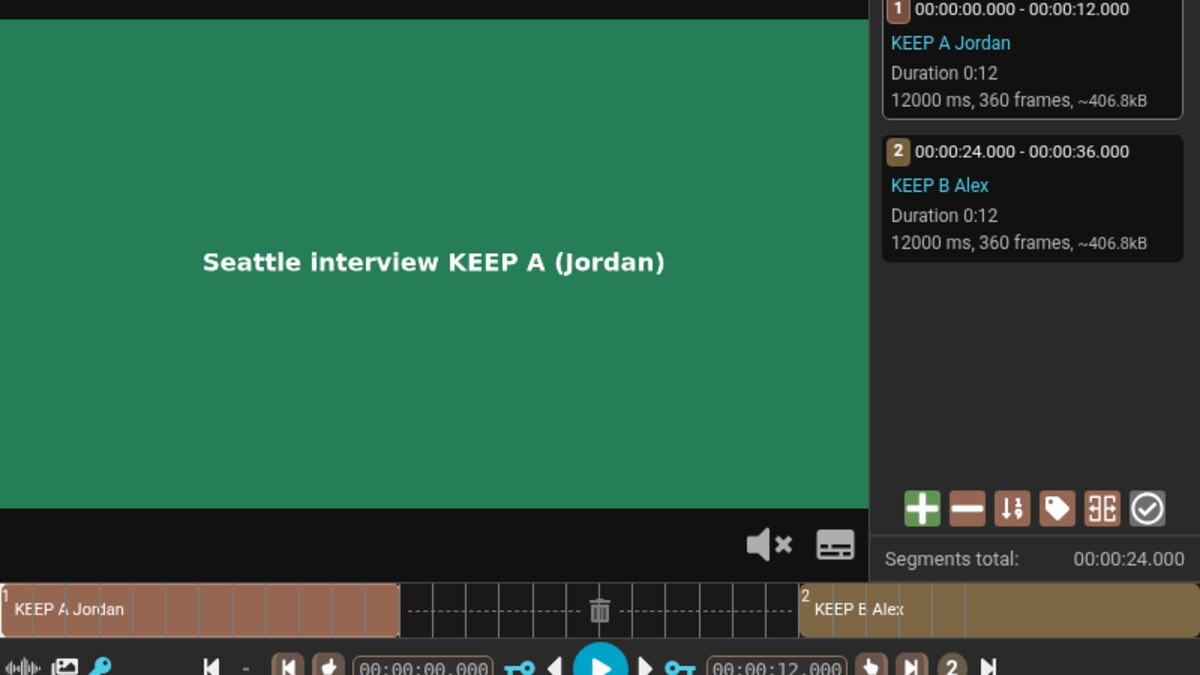
Read articleStream-copy keep segments first; HandBrake is the later delivery encode, not the cut step.
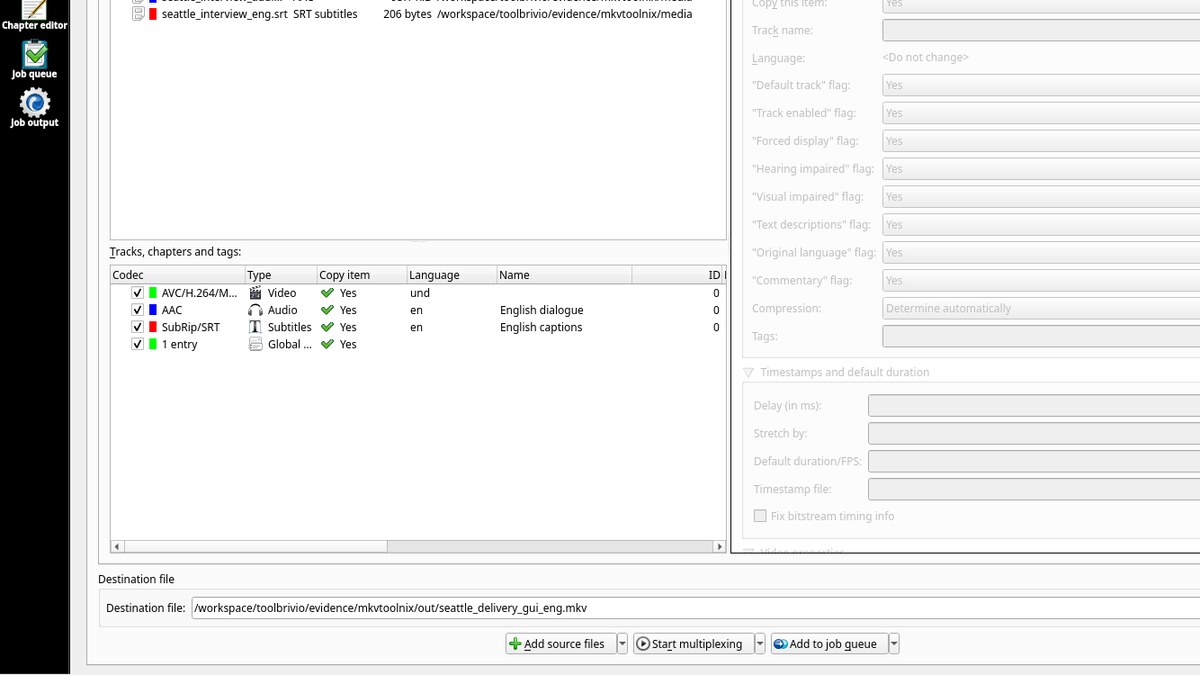
Read articleAfter encode or cut, mux labeled tracks into a delivery MKV—language tags and defaults, not RF presets.
Read articleOfficial builds cover Windows, macOS and Linux; our lab used Debian packages handbrake / handbrake-cli 1.9.2+ds1-1 only. Confirm architecture and release notes on the project site before a delivery machine switch.
LosslessCut for stream-copy cuts · FFmpeg for CLI remux and probes · MKVToolNix for labeled delivery mux